Can I start using Digital Inventory straight away?
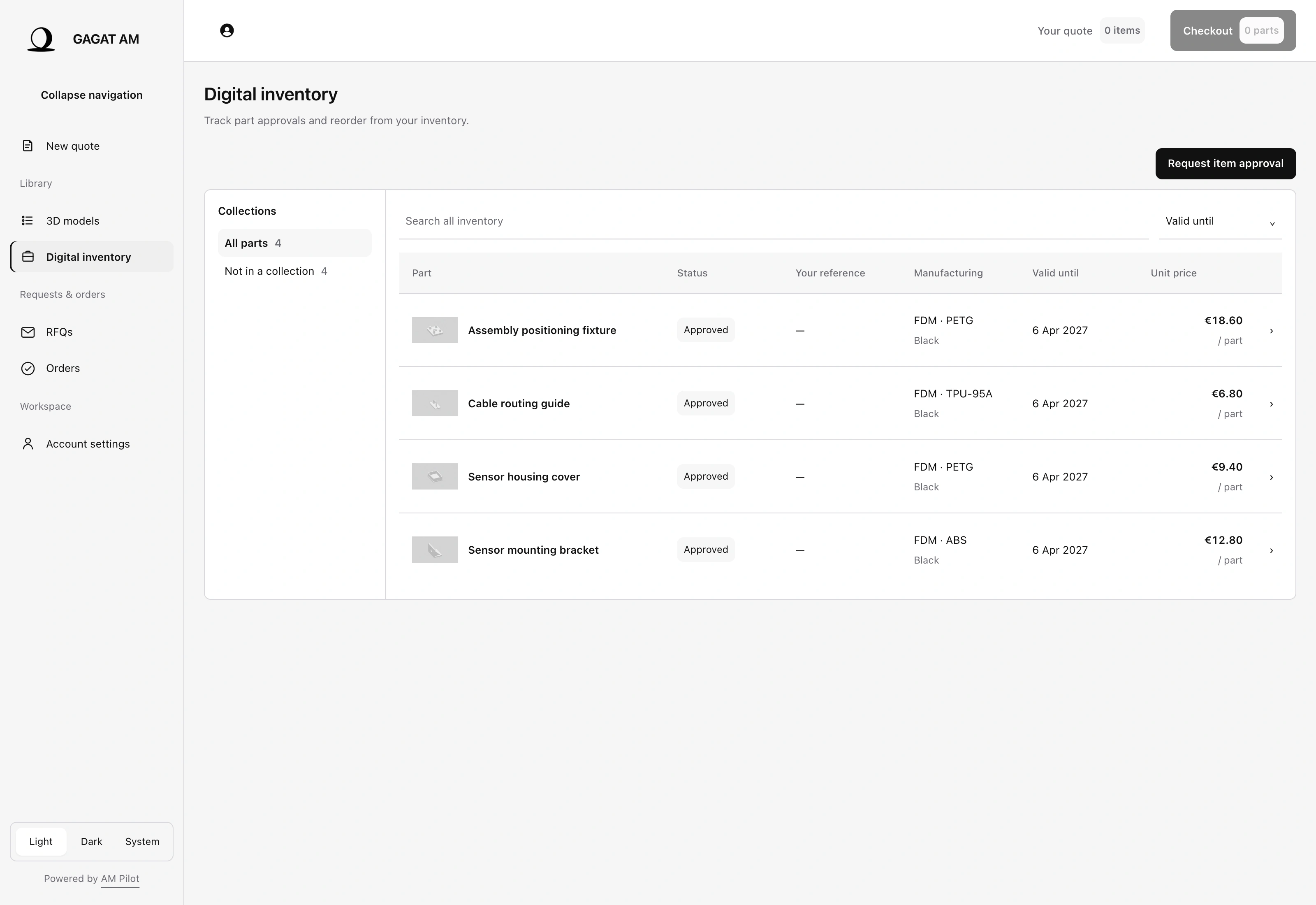
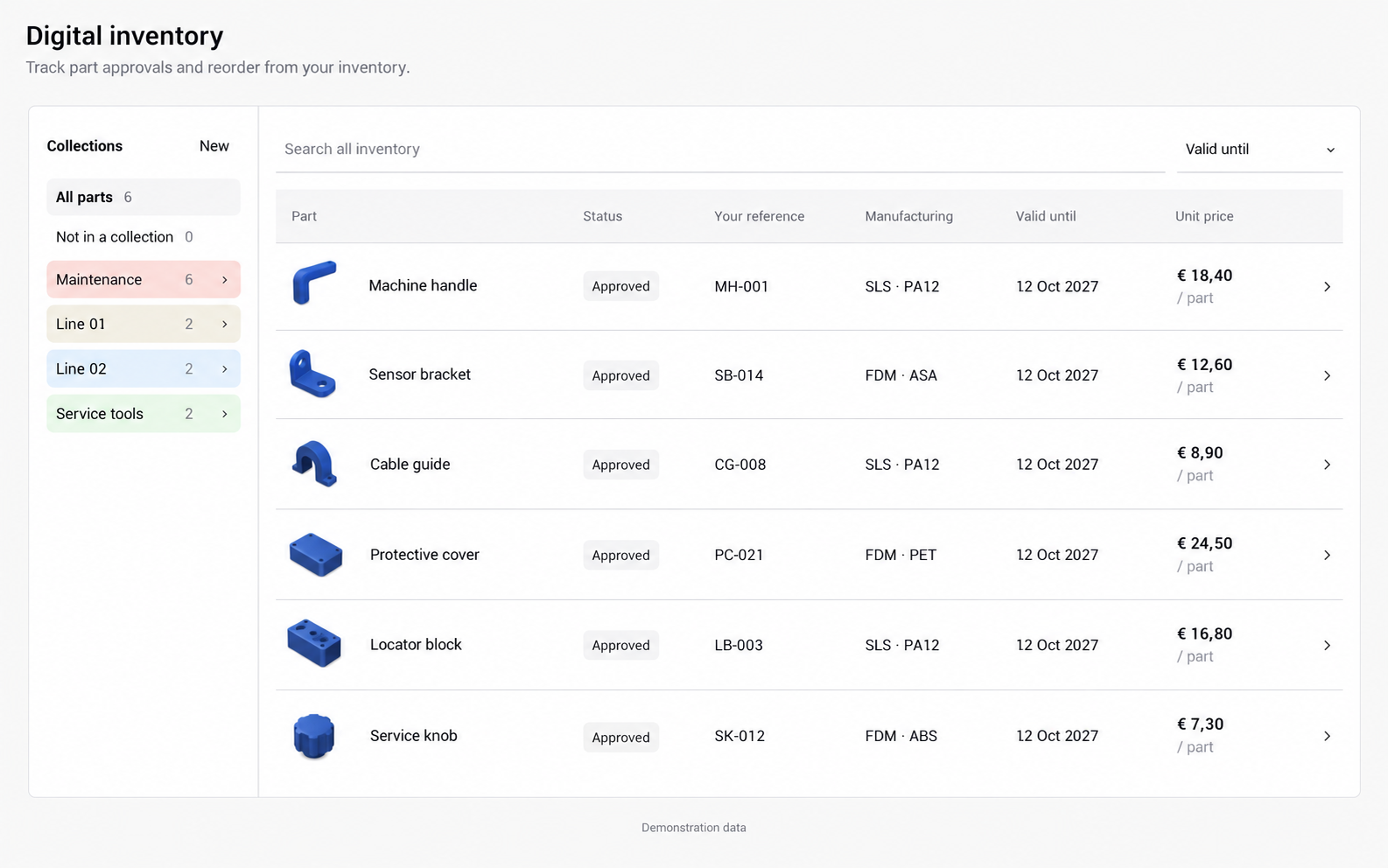
You can sign in to the customer portal and open Digital Inventory now. If you already have available approved items, you can select them for an order. New parts need to be submitted and reviewed before they appear as approved, orderable catalog items.
Is this part of AM Pilot or a separate GAGAT tool?
It is AM Pilot’s native Digital Inventory solution within the GAGAT AM customer portal. You use the same customer workspace for saved parts and orders, while GAGAT AM manages the manufacturing review and production service.
Are orientation and print settings saved?
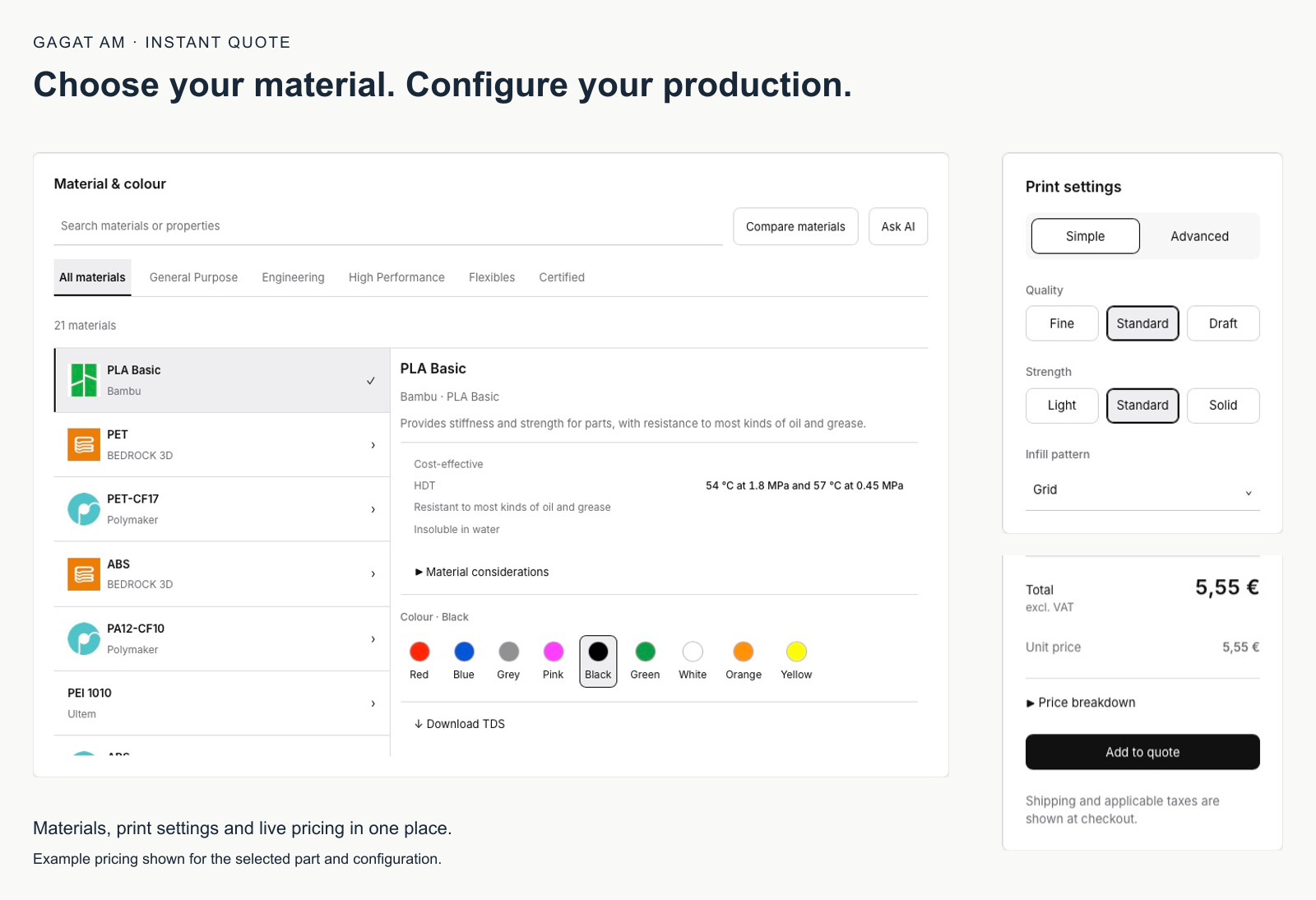
The approved configuration retains orientation and the applicable production settings, including relevant FDM wall, layer, infill and finishing choices. We prepare that configuration with the part. You do not need to recreate it when selecting the approved item for a repeat order.
Can I change the material or design on a repeat order?
A different material, geometry or manufacturing configuration needs review. Send us the change so we can agree the revised specification and price. Select the existing approved item when you want to repeat its current configuration.
Does “approved” mean the part is certified for my application?
Approval here means the catalog item has an agreed manufacturing and commercial setup. It does not by itself certify the finished component for a regulated application. Tell us about any required documentation or component tests when we prepare the part.
Which parts should we add first?
Start with parts you already reorder or expect to replace: custom guides, covers, fixtures, brackets or equipment accessories. Share the expected demand, current supply difficulties and required delivery time. We help assess the design, material, finishing and first-part needs. Compare the whole purchasing task, including repeated quoting, storage and assembly work, as well as the price per part.
What if we do not have a usable CAD file?
Contact us with the drawing, photographs or information you have. We can discuss the design work needed to create a printable model and agree its scope before proceeding. A part needs a suitable model and an agreed manufacturing setup before it can be approved for repeat orders.
Can colleagues use the same parts library?
Yes, through your organization account with the appropriate permissions. Viewing the library and placing repeat orders are separate permissions, so access can reflect each colleague’s role. Tell us who needs to find parts and who needs to buy them; we can help arrange the account setup.
Can we order with a purchase order?
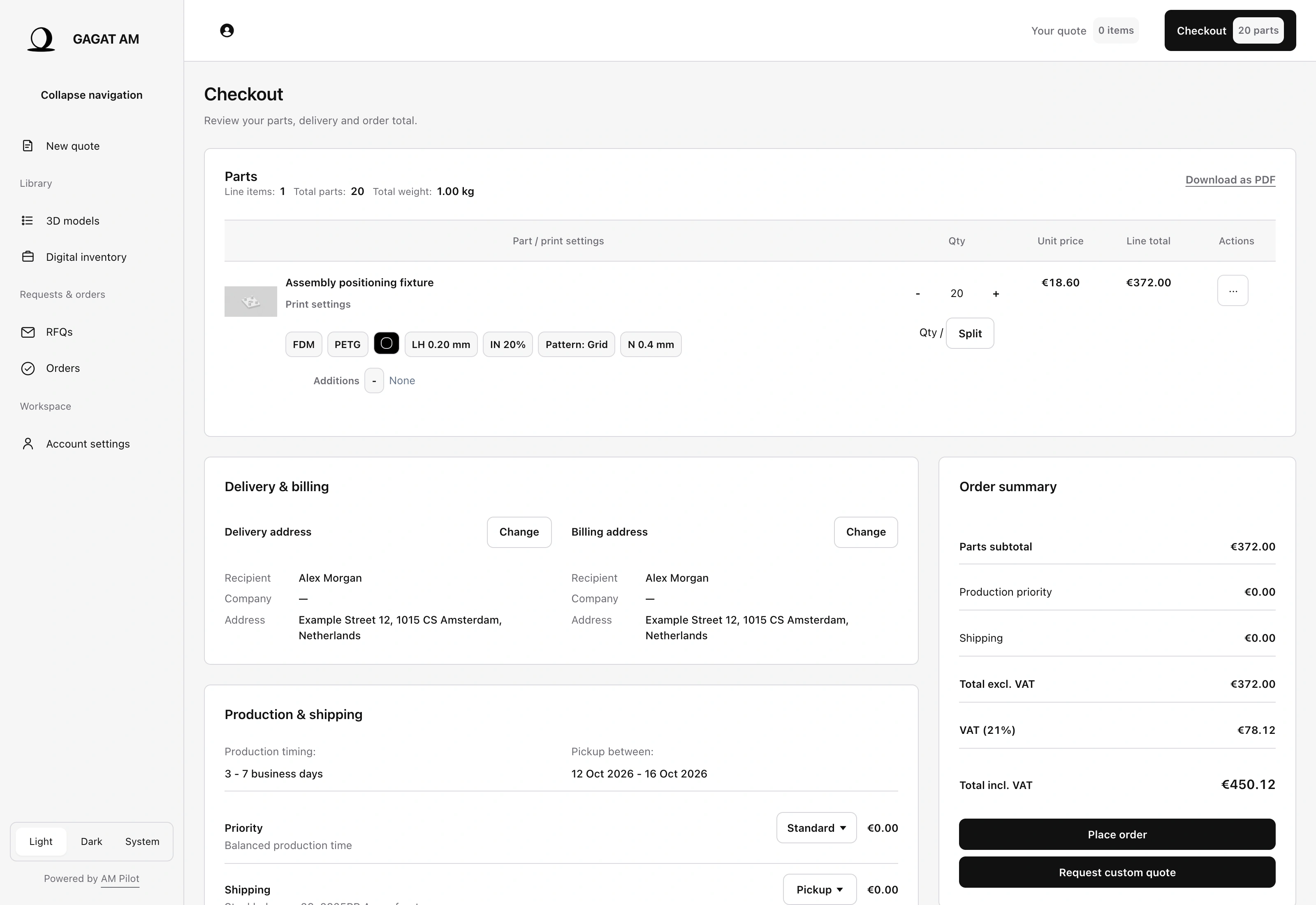
Yes, where PO payment is enabled for your account. Enter your PO reference and upload the supporting document at checkout as required by your account settings. Invoice terms follow the arrangement agreed for your account. Contact us if you would like to arrange PO purchasing.
What happens when we stop using a saved part?
Ask us to archive it so it is no longer available for repeat ordering. Archiving retains the saved model, approval details and linked order records. If the part is needed again, our team reviews its status and validity before making it available to order.
How quickly can I receive a repeat order?
Having an approved item ready removes the need to upload and configure it again. Manufacturing, finishing and delivery still take time. Tell us your required date and expected demand so we can discuss the production plan or whether planned batches and a stock arrangement would suit the part.
Is a saved part already in stock?
No. A digital item is a saved definition for ordering. Physical stock is tracked separately and depends on what has been manufactured and recorded. We can discuss repeat batches or a stock arrangement where that suits your supply needs.